INTRODUCTION TO TERNA3D™
An overview of TERNA3D™ for excavators, with basic functionalities, navigation and key features to get you started.

Our support team continuously monitors the status of TERNA machine control installations and takes early action to resolve potential issues before they impact operations.
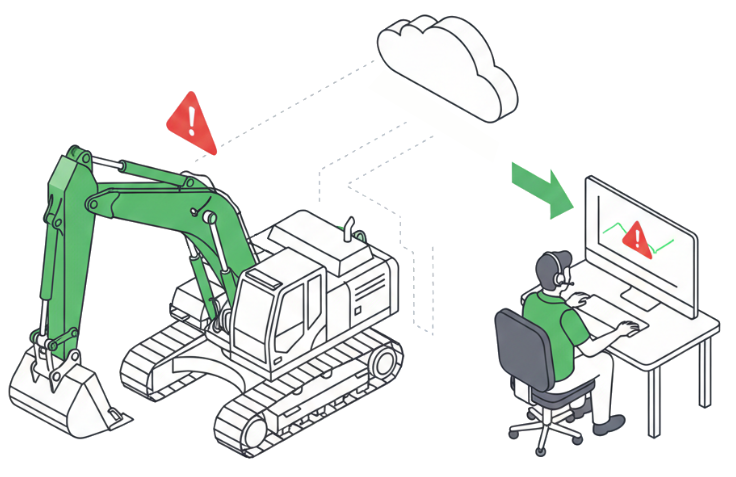
Beyond technical support, we provide operator guidance through remote access to the app—helping users get maximum value from TERNA3D™. TERNA Support is always within reach through the channels below.


Live Support Mon -Sun: 7:00 to 17:00 (CET/CEST)
+ 46 010-880 06 92Or get in touch via email
support@ternasystems.com
If you are an operator, contact us directly from your tablet.
Get the answers you need to keep moving with TERNA3D™
Use our cloud service TERNACloud or transfer files via USB using the project overview menu in the app and the "+" symbol.
Tap the point measurement icon in the action bar. If you want to change layer, click the pop-up notification that appears.
Use TERNACloud or create it via the Main Menu → Projects using the "+ New Project" button.
You can add and calibrate buckets in the Main Menu → Garage, where all attachments are listed.
Files you want to view in the project can be toggled on or off using the "eye" icon in the Project Overview menu.
An overview of TERNA3D™ for excavators, with basic functionalities, navigation and key features to get you started.
Need a deeper dive? Request additional video guides from the Terna Team.

